

Acoustic Design
For calculating and estimating sound levels/noise, as well as configuring and selecting acoustic products.
Acoustic Design is our software for sound calculations, acoustic product selection, and configuration. This is a completely new program that shares its name with the previous version, which it now replaces. Please note that calculations made in the old Acoustic Design cannot be used in the new version.
Acoustic Design is a completely newly developed calculation tool for acoustics.
- Calculate sound along the entire duct path – from the noise source to the measurement point
- Product selection for both acoustic and room-related products
- Pressure drop calculations over sound attenuators
- Crosstalk calculations
- Outdoor noise calculations
- Sound transmission through duct walls
ASHRAE algorithms: The software uses the latest industry standards, including ASHRAE RP-1408 for acoustically insulated metal ducts.
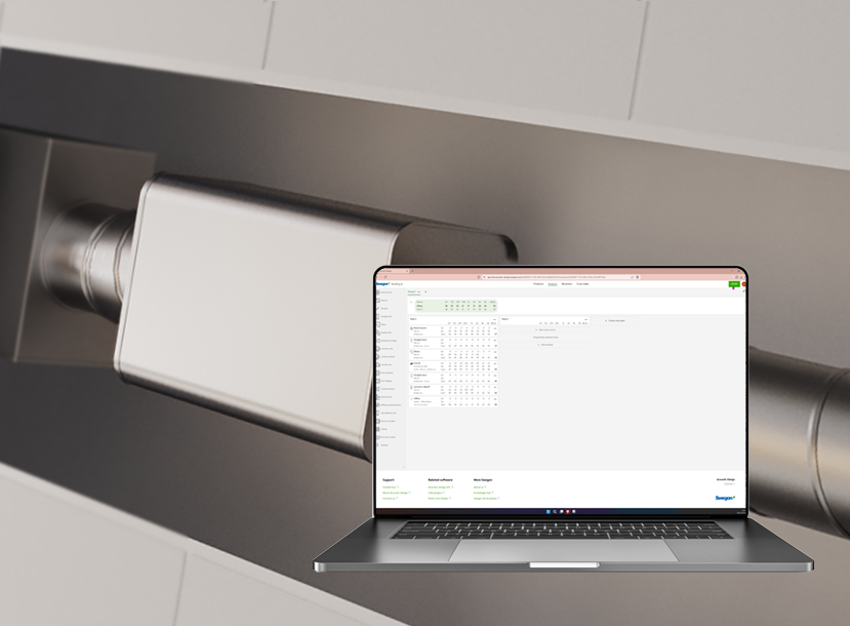
Try Acoustic Design!
Acoustic Design is available via the button below.
Acoustic Design can also be accessed directly via Single Product Calculator (SPC). After selecting an acoustic product, simply click “Open in Acoustic Design” to continue with more advanced calculations.
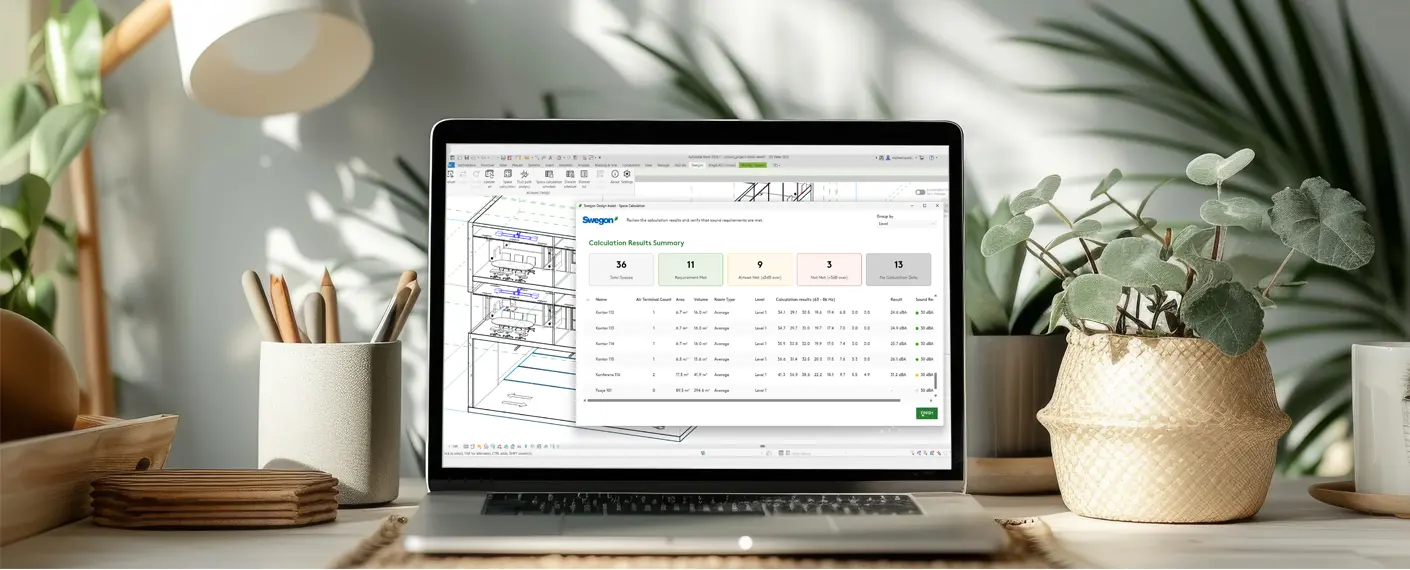
Acoustic design as a Revit plugin
With all the features of Acoustic Design, right within your design workflow, with extra features to save you time.
- Import the project’s spaces, ducts, diffusers and air handling units into Acoustic Design with one click.
- Calculate room sound levels
- Visual indication of how rooms perform against sound design
- Design Assist function – auto-selection and placing of silencers
A quick introduction
Calculate noise levels and maximise comfort.